
Ended up back at Level 1? We can help!
The first thing to try is signing back into the account you used to save your game. If your progress was previously backed up, it will be restored automatically.
First, try this:
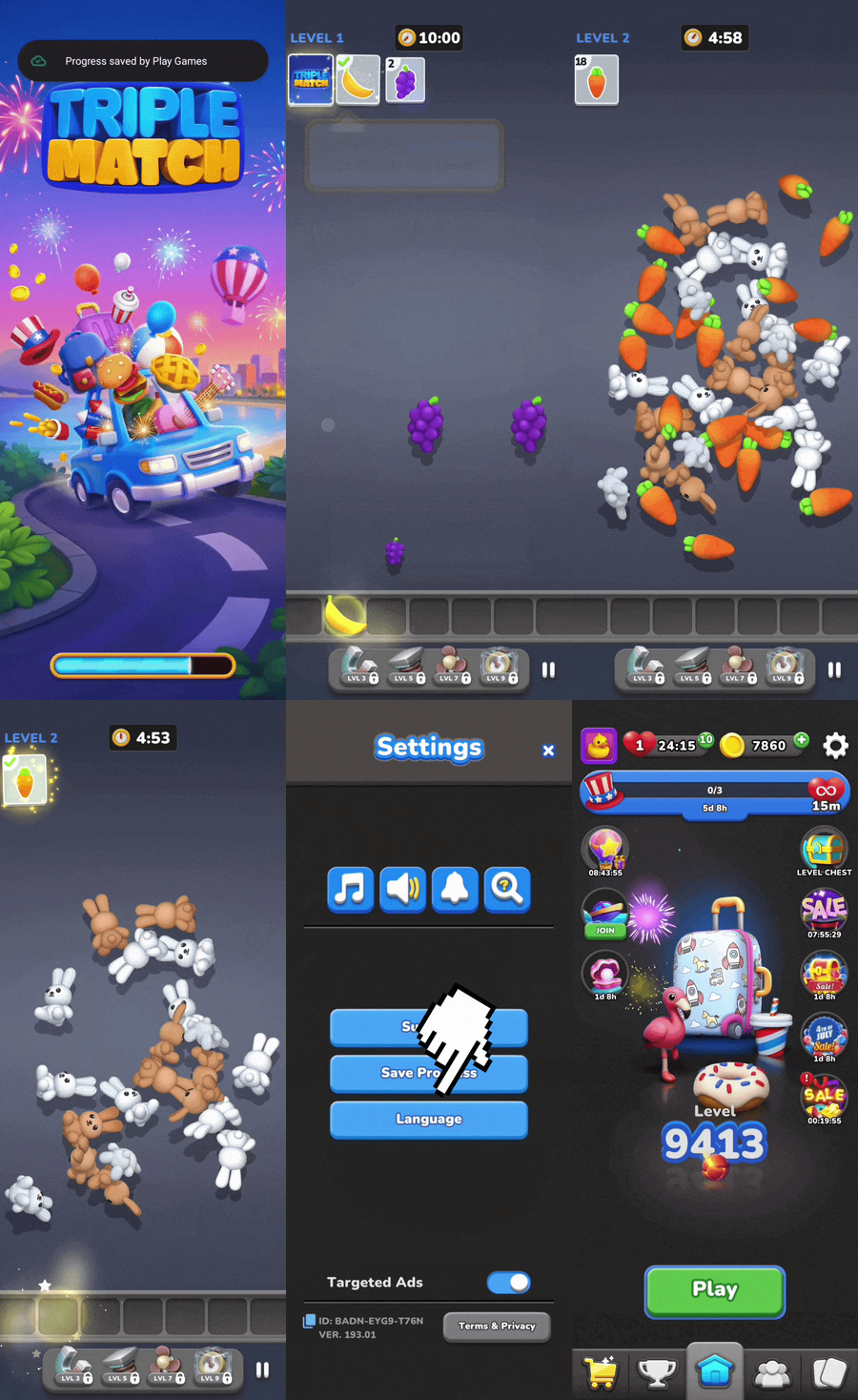
1️⃣ Open Triple Match 3D
2️⃣ Tap the Cogwheel in the top-right corner
3️⃣ Tap Save Your Progress
4️⃣ Tap Sign in with Apple ID / Google Account / Facebook
5️⃣ Sign in using the same Apple ID / Google Account / Facebook you originally used
If your progress was saved, everything will be restored automatically.
Note: Please note that if you're starting from the beginning, you'll first need to complete the first 2 tutorial levels. This will unlock the Settings menu, where you'll see the Cogwheel in the top-right corner.
Still not seeing your progress?
If you successfully signed in but your progress wasn't restored, it usually means one of two things:
Your progress wasn't previously saved, or
A different Apple ID or Google Account was used to save your game.
Don't worry, our Player Experience team will be happy to take a look!
Please contact us through the in-game Support option and include as much of the following information as possible:
Your current Customer ID
Your original Customer ID (if you have it)
A screenshot of your original progress (if available)
The level you had reached
With these details, we'll do our best to restore your level, coins, and booster balance so you can get back to matching in no time!